Quick Editor: From Image to 3MF in Under a Minute
The new ColorLayer Quick Editor on the homepage lets you upload an image and export a 3MF file in seconds — no account, no setup, no complexity.
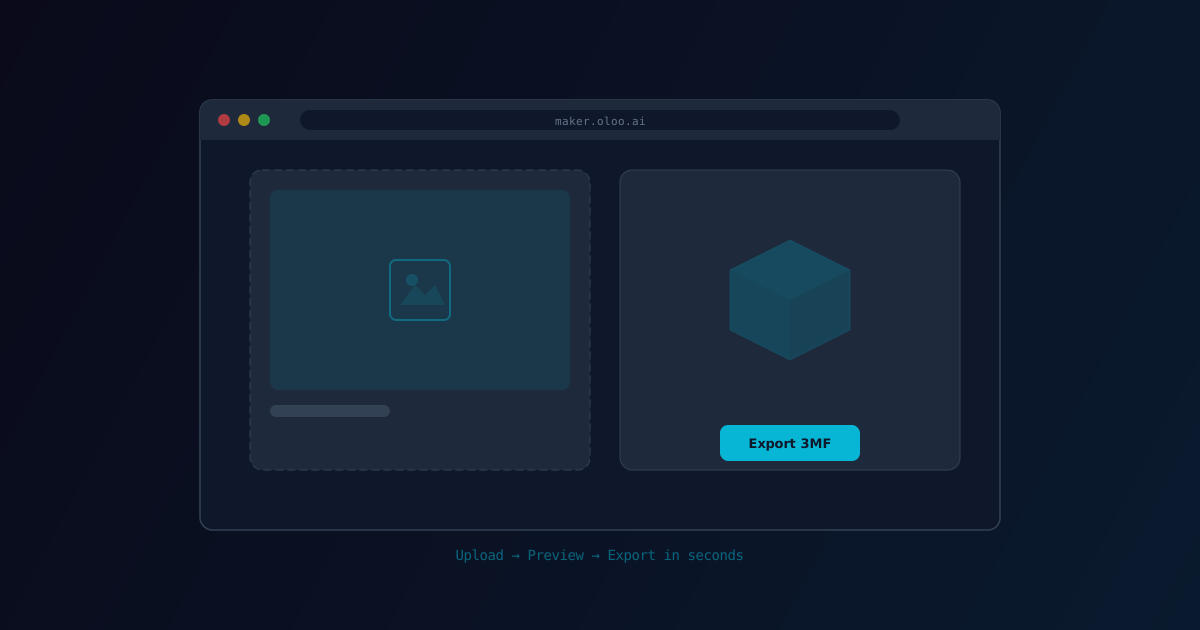
We have heard from many users that they love ColorLayer but sometimes just want to quickly convert an image without going through the full editor workflow. Upload, export, done.
Today we are launching the Quick Editor — a streamlined converter right on the ColorLayer homepage that gets you from image to 3MF in under a minute.
How It Works
The Quick Editor sits right on the homepage. No need to navigate to the editor page or create an account:
- Drop an image onto the upload zone (or click to select a file)
- See the preview — the 3D model generates automatically with sensible defaults
- Click Export 3MF — download the file and open it in BambuStudio
That is it. Three steps, no decisions required unless you want to make them.
Smart Defaults
The Quick Editor uses default settings that work well for most images:
- 3 color layers — a good balance of color variety and print time
- White base — rectangular shape, 0.4mm thickness
- Auto-sized — the model is scaled to a sensible physical size
- Default filaments — standard CMYK color set
These defaults produce good results for a wide range of images. If you want more control, click through to the full editor where you can adjust every parameter.
When to Use Quick Editor vs. Full Editor
Quick Editor is great for:
- First-time users exploring the tool
- Quick tests to see if an image works
- Simple graphics and logos that look good with default settings
- When you just want a file and don't need fine-tuning
Full Editor is better for:
- Photographs that benefit from calibration
- Custom filament color selections
- Specific model sizes
- Background removal and image enhancement
- Contour base shapes
No Account Required
The Quick Editor works without logging in. You can use it immediately, with zero friction. If you want to save your model for later, access calibration, or publish to the gallery, you will need an account — but for basic image-to-3MF conversion, it is completely open.
Under the Hood
The Quick Editor uses the same core processing pipeline as the full editor. The same optical simulation, the same geometry generation, the same 3MF export. The only difference is the UI — simplified to remove decisions you don't need to make for a basic conversion.
Performance
The Quick Editor is designed to be fast:
- Image processing starts immediately on upload
- 3D preview renders as soon as processing completes
- Export generates the 3MF file in the browser with no server round-trip
For a typical 500x500 pixel image with 3 layers, the entire process from upload to downloadable 3MF takes a few seconds on modern hardware.
Try It
Visit maker.oloo.ai and drop an image onto the Quick Editor. See how fast the conversion is. If you like the result, download the 3MF and print it. If you want to tweak it, click through to the full editor.
The Quick Editor is the fastest way to go from an idea to a physical multi-color 3D print. No learning curve, no setup, just results.
ColorLayer Team
Author