Choosing the Right Filament Colors for Multi-Color 3D Printing
A practical guide to selecting filament colors that maximize the color gamut and quality of your multi-color 3D prints with ColorLayer.
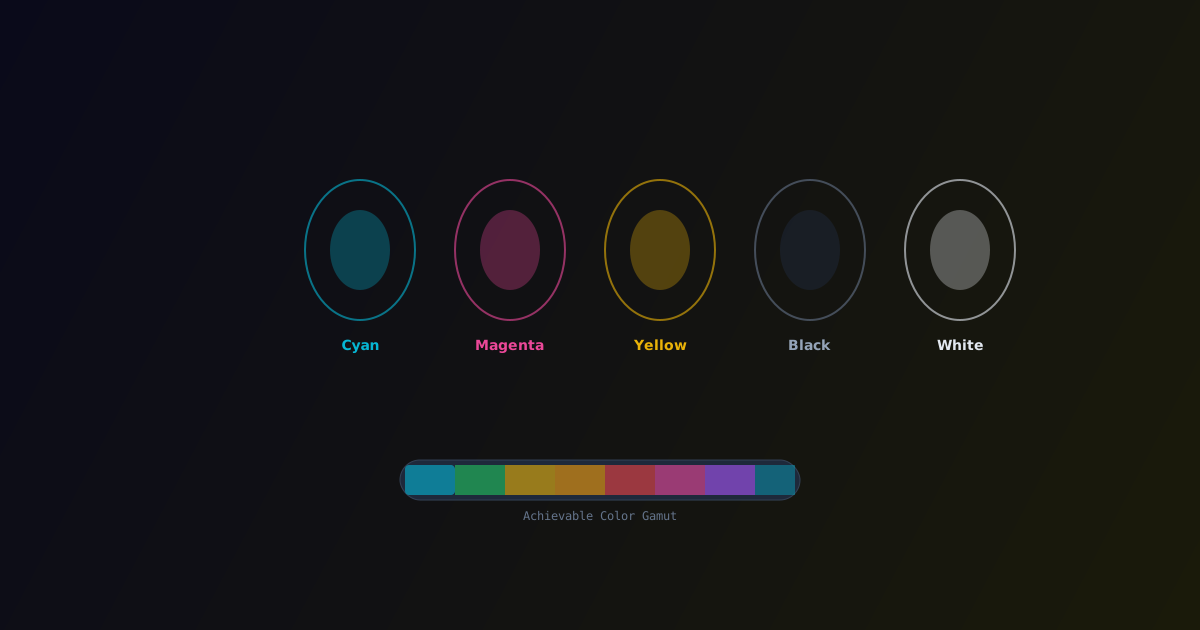
The filament colors you choose have the single biggest impact on what your multi-color print can look like. Pick the right set, and you can reproduce hundreds of colors. Pick poorly, and the results will be limited no matter what software you use.
This guide covers the principles behind filament selection for multi-color printing with ColorLayer and provides practical recommendations.
The Basics: Why CMYK?
In traditional color printing (paper, inkjet), the primary colors are Cyan, Magenta, Yellow, and Key (Black) — CMYK. This is because these pigments subtract specific wavelengths from white light:
- Cyan absorbs red → reflects blue + green
- Magenta absorbs green → reflects red + blue
- Yellow absorbs blue → reflects red + green
- Black absorbs all wavelengths
When you layer these subtractive primaries, you can theoretically reproduce any color. The same principle applies to translucent filament layers.
The White Factor
In multi-color FDM printing, white plays a critical role. Unlike paper (which is already white), a 3D print needs a reflective base layer. White filament at the bottom of the stack reflects light back through the colored layers above.
Recommended minimum set: White + Cyan + Magenta + Yellow (4 colors)
This gives you the widest gamut with the fewest filaments and works well with 3-4 layer configurations.
Adding Black
Adding black as a fifth color does two things:
- Deeper shadows — black absorbs all light, creating true dark tones that CMYW alone cannot achieve
- Better contrast — areas that should be dark (outlines, text, shadows) come out much crisper
Recommended expanded set: White + Cyan + Magenta + Yellow + Black (5 colors)
This is the ideal setup for most images and the one we recommend for Bambu Lab printers with a 4-slot AMS plus the dedicated extruder.
Beyond CMYK: Alternative Sets
CMYK is optimal for photographs and realistic images, but other sets work better for specific use cases:
For Warm-Toned Images (Portraits, Sunsets)
- White, Red, Orange, Yellow, Black
- Trades blue/green range for exceptional warm tone reproduction
For Cool-Toned Images (Landscapes, Water)
- White, Cyan, Blue, Green, Black
- Maximizes the blue-green spectrum
For Logo/Brand Colors
- White, Black, + 2-3 brand-specific filament colors
- When you need exact brand color matches rather than full-gamut reproduction
For Maximum Gamut
- White, Cyan, Magenta, Yellow, Red, Blue, Black (7 colors)
- Requires an AMS Lite or multi-AMS setup
- Produces the widest possible color range
Filament Translucency
Not all filaments have the same translucency. This matters because ColorLayer's optical simulation assumes light passes through the layers:
- Standard PLA — Good translucency, works well
- PLA+/Tough PLA — Usually similar translucency
- Silk PLA — Often more opaque, may reduce color mixing effectiveness
- Matte PLA — Can scatter light, producing softer colors
- PETG — Generally more translucent than PLA, can produce vivid results
For best results with ColorLayer, use standard PLA in the colors you need. Calibration compensates for specific filament characteristics.
Practical Tips
- Always include white — it is the foundation of bright, vibrant colors
- Start with CMYK — this gives you the most versatility before specializing
- Use calibration — filament colors vary between brands, calibration accounts for this
- Buy from one brand — consistency between filaments in the same brand/line is usually better
- Test with a small print first — before committing to a large, multi-hour print, do a small test
- Consider layer count — more filament colors are useful only if you have enough layers to combine them
Color Gamut Comparison
| Filament Set | Approximate Unique Colors (3 layers) | Best For | |---|---|---| | White + CMY | ~60 | General purpose | | White + CMYK | ~250 | Photos, detailed images | | White + CMYK + RGB | ~2000+ | Maximum fidelity |
These numbers are approximate and depend on layer height and filament-specific properties. Calibration can significantly improve the quality within any gamut.
Try Different Sets
The best way to understand how filament selection affects your prints is to experiment. Use ColorLayer's Colorways feature to compare the same image with different filament sets before printing.
Need specific filament recommendations for your Bambu Lab printer? Check the community gallery to see which filament brands other makers are using with great results.
ColorLayer Team
Author